Office 365 Migration: Don't Go It Alone, Get the Right Support
March 18, 2026


Compare cloud backup services with this guide to backup cloud database service architecture, security, and disaster recovery.
September 12, 2026

Compare cloud based backup services with our ultimate checklist covering encryption, recovery, and compliance for your business.
September 5, 2026

Protect your business with expert Phishing protection Columbus services from Next Level Technologies, based in Columbus, Ohio and Charleston, WV.
August 27, 2026
March 18, 2026
Office 365 migration support helps businesses transition their email, files, and collaboration tools to Microsoft's cloud platform without disruption. Whether you're moving from an on-premises Exchange server, Google Workspace, or another email system, the right support ensures:
The stakes are high. A poorly planned migration can result in lost emails, confused users, and days of downtime. According to Microsoft's guidance, organizations can move up to 2,000 mailboxes with a cutover migration, but it's only practical for 150 users or fewer due to time constraints. For larger organizations with more than 2,000 mailboxes, staged or hybrid migrations become necessary—each with their own technical requirements and potential pitfalls.
Many businesses underestimate the complexity of Office 365 migrations. It's not just about moving data from point A to point B. You need to configure Modern Authentication, update DNS records including MX and SPF entries, provision user accounts, handle Exchange Web Services deprecation (effective October 2026), and ensure calendar ownership transfers correctly. One misconfigured setting can break email flow for your entire organization.
This is where professional Office 365 migration support becomes invaluable. FastTrack provides free guidance for organizations with 150 or more eligible licenses, but even with Microsoft's help, most businesses benefit from dedicated technical expertise throughout the process.
I'm Steve Payerle, President of Next Level Technologies, and over the past 15 years, I've guided dozens of businesses through successful Office 365 migrations, ensuring they avoid common pitfalls and maintain business continuity throughout the transition. Our team's extensive technical experience and cybersecurity training make Office 365 migration support one of our core specialties for businesses in Columbus, Ohio, Charleston, WV, and nationwide.

Quick look at Office 365 migration support:
Choosing the right migration method is like picking the right route for a cross-country move. If you take the wrong road, you might end up stuck in a technical cul-de-sac. Microsoft provides several official paths, and choosing between them depends on your current setup, the number of users, and how much "coexistence" you need between your old and new systems.
Cutover migration works best for small businesses using Exchange 2003-2013. It can support up to 2,000 mailboxes, though 150 or fewer is usually recommended. The main drawback: everyone moves at once, which creates more pressure.
Staged migration fits larger legacy environments using Exchange 2003 or 2007. It supports 2,000+ mailboxes, but requires Directory Sync and moves users in batches.
Hybrid migration is best for larger, modern Exchange 2010+ setups. It can scale broadly and supports long-term coexistence, but it is the most complex option to configure.
IMAP migration works for non-Exchange email systems like Gmail or Yahoo. It can handle up to 50,000 mailboxes, but only moves email, not contacts or calendars.
To help you navigate these choices, Microsoft offers Exchange migration advisors that analyze your environment and suggest a path. However, these tools often assume a "perfect" technical environment. In reality, you must account for Exchange Online mailbox limits and ensure your local internet bandwidth can handle the massive data upload. For many businesses in Columbus or Worthington, seeking Cloud Migration Consulting Services is the safest way to ensure the chosen path matches the business's actual needs.
The "magic number" in Microsoft migrations is often 150. While a Cutover migration technically supports 2,000 mailboxes, Microsoft and experienced engineers alike suggest that if you have more than 150 users, the time required to migrate all that data in one go becomes prohibitive.
For organizations in Charleston, WV, running older versions like Exchange 2003 or 2007, a Staged migration is the recommended route if you exceed that 150-2,000 mailbox range. If you are on Exchange 2010 or later, a Hybrid migration is almost always the superior choice. It allows your on-premises server and the cloud to work as one single environment during the transition. Understanding The Benefits and Challenges of Adopting Cloud Technology for Your Business is crucial here; while the cloud offers immense scalability, the "challenge" is the technical bridge you have to build to get there.
If you aren't coming from an Exchange server—say you're moving from Google Workspace or a generic IMAP host—you might feel like the process is simpler. Be warned: IMAP migrations only move email. Your folders will arrive, but your calendar appointments, contact lists, and tasks will stay behind.
To bridge this gap, some administrators use the PST Import service. This involves exporting data to files and then uploading them to Microsoft. While it works, it is manual and prone to "human error" (the technical term for "I forgot to click the button"). Professional Office 365 migration support focuses heavily on data loss prevention during these tricky non-Exchange moves. Properly Managing Cloud Applications requires knowing exactly where your data is at all times, especially when it's sitting in a temporary PST file.
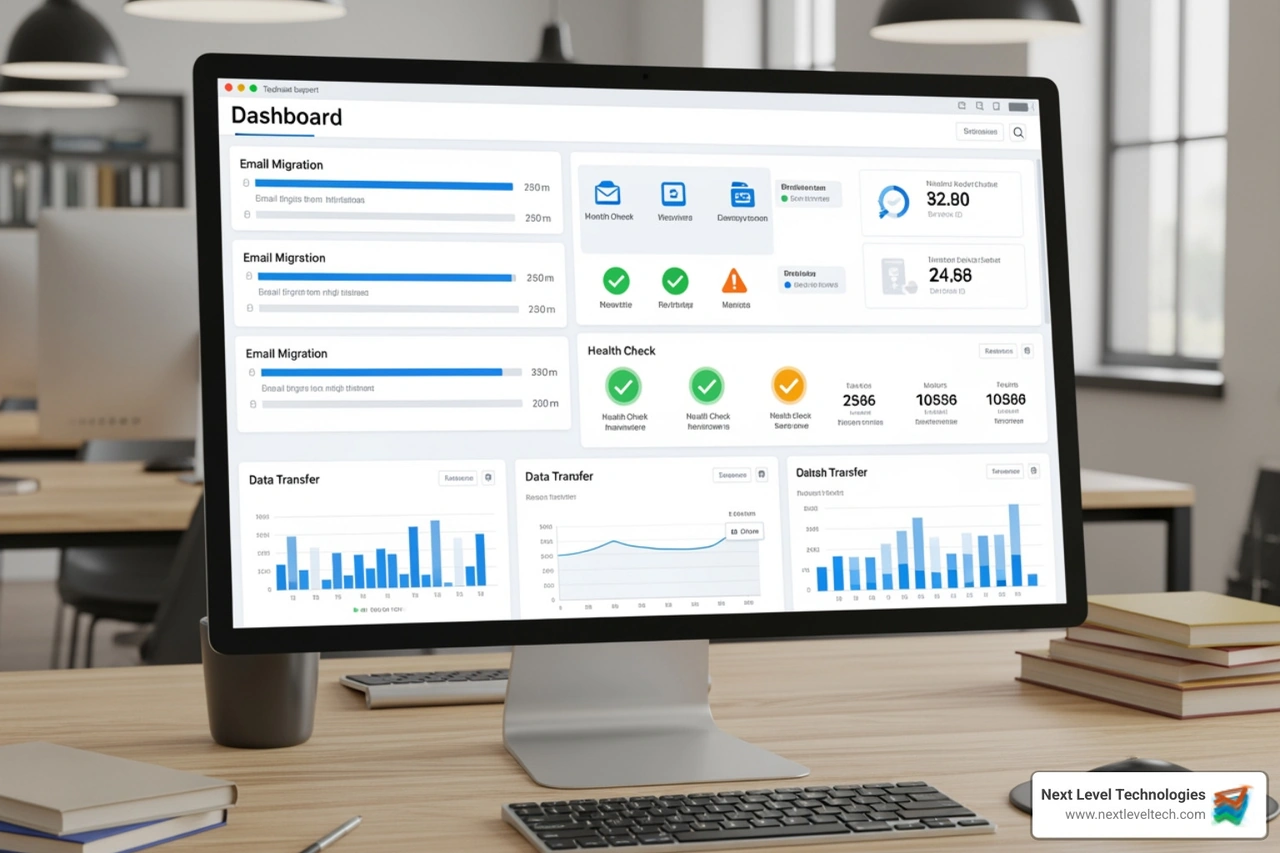
Why do businesses hire us for migration support? Because "oops" is not a valid strategy for your company's data. Professional support provides a layer of risk mitigation that internal IT teams, who might only perform a migration once every decade, simply can't match. We bring technical experience from hundreds of previous moves to ensure your business continuity remains unbroken. We don't just move data; we architect the transition. This is the difference between Cloud Computing and Software as a Service being a headache or a competitive advantage.
Microsoft offers a program called FastTrack to help customers deploy Microsoft 365. If you have 150 or more eligible licenses, you can access FastTrack specialists who provide remote guidance. They can help with:
However, FastTrack is primarily a guidance service. They tell you what to do, but your team (or your partner) still has to do the heavy lifting. They also have strict limits; for example, during a Google Workspace migration, they only move a maximum of three email addresses per contact. For businesses that need a "done-for-you" approach, combining FastTrack with local Data Backup and Recovery experts ensures that if anything goes sideways, someone is there to fix it immediately.
Sometimes, the native Microsoft tools aren't the right fit, especially for complex tenant-to-tenant migrations (like when one company buys another). Third-party tools like MigrationWiz or AvePoint Fly offer advanced automation and scalability. These tools use API permissions to "talk" to both the old and new systems simultaneously.
These tools are particularly useful for handling Modern Authentication requirements. As Microsoft moves away from older, less secure login methods, these tools ensure your migration doesn't get blocked by a security protocol. We often recommend these tools because they provide a "Pre-Stage" pass, where 90% of the data is moved in the background while users are still working, leaving only the last few days of email for the final cutover. This is a perfect time to review your Multi-Factor Authentication Complete Guide to ensure your new environment is secure from day one.
Before a single email is moved, the "plumbing" must be right. This is the most technical part of Office 365 migration support. One of the biggest upcoming hurdles is the retirement of Exchange Web Services (EWS). Read Microsoft’s announcement on EWS retirement to understand why moving to Graph-based permissions is now a requirement, not a suggestion.
Key technical tasks include:
Following Cloud Security Best Practices during this phase is vital. You are essentially opening a door between your old server and the cloud; you want to make sure only your data walks through it.
Modern Authentication (OAuth 2.0) is the current standard. Microsoft is also deprecating the "Application Impersonation" role in 2025, which many older migration tools relied on. Professional support teams now use "Scoping Requirements" and specific API permissions to ensure the migration tool has exactly the access it needs—and nothing more.
If your firm uses advanced tools like Microsoft Teams Voice, these permissions become even more critical. Is your communication putting your firm at risk? Unveil the astonishing solution with Microsoft Teams Voice by Next Level Technologies explains how integrated communications rely on a perfectly executed identity migration.
A successful migration happens in "passes." Think of it like painting a room: you need a primer before the final coat.
The DNS propagation window is a critical 48-hour period where some emails might go to the old server and some to the new. Our Office 365 migration support includes monitoring both locations during this window to ensure no message is lost in the digital ether.
The goal of our team in Columbus and Charleston is zero downtime. We achieve this by performing the final cutover during off-peak hours (usually a Friday night) and having a team ready on Monday morning to help users with any login issues.
A post-migration audit is the final step. We verify that every mailbox, calendar invite, and "Sent Item" made the trip. This level of detail is why businesses choose Managed IT Services and IT Support. We don't just leave you with a "Good Luck" email; we stay until the last user is successfully logged in and working.
A cutover migration moves everyone at once—it's fast but can be stressful for larger teams. A staged migration moves users in batches over weeks or months, which is better for large organizations (over 150-2,000 users) that need a more controlled transition.
The technical "cutover" usually happens over a weekend, but the planning and "pre-staging" of data can take 2 to 4 weeks depending on how much data you have. A 1TB mailbox environment takes much longer to sync than a 10GB one!
With a properly managed migration, no. Users can continue to use their old email right up until the cutover. Once we switch the MX records, they simply restart Outlook, log in with their new credentials, and their new mail is there waiting for them.
At Next Level Technologies, we believe that moving to the cloud should be a celebration of progress, not a weekend of technical nightmares. With locations in Columbus, OH, Worthington, OH, and Charleston, WV, our team is uniquely positioned to provide on-the-ground Office 365 migration support to businesses throughout the region.
Our staff undergoes extensive cybersecurity training to ensure that your migration isn't just fast, but also secure. We understand the nuances of local industries and the specific technical hurdles of legacy Exchange environments. If you're ready to modernize your business without the stress, we're here to help. Explore our Managed IT Services and IT Support to see how we can take your technology—and your business—to the next level.
Compare cloud backup services with this guide to backup cloud database service architecture, security, and disaster recovery.
September 12, 2026
Compare cloud based backup services with our ultimate checklist covering encryption, recovery, and compliance for your business.
September 5, 2026
