Asset Management Apps Don't Get Lost in the Spreadsheet Jungle
December 24, 2025


Compare the best healthcare learning management platforms for providers with Next Level Technologies, serving Columbus, Ohio and Charleston, WV.
September 19, 2026

Compare cloud backup services with this guide to backup cloud database service architecture, security, and disaster recovery.
September 12, 2026

Compare cloud based backup services with our ultimate checklist covering encryption, recovery, and compliance for your business.
September 5, 2026
December 24, 2025
An it asset management application is software that helps businesses automatically find, track, and manage all their IT assets—from computers and servers to software licenses and cloud subscriptions—in one centralized system. These applications replace error-prone spreadsheets with automated tracking, real-time reporting, and comprehensive visibility across your entire technology infrastructure.
Key benefits of IT asset management applications include:
If you're drowning in inaccurate spreadsheets, dealing with surprise software audits, or have no clear picture of your IT assets, you're not alone. Many mid-sized businesses are stuck in the "spreadsheet jungle"—a mess of outdated files and manual processes that create more problems than they solve.
Research shows organizations using spreadsheets for asset tracking waste thousands annually on duplicate purchases, unused licenses, and lost assets, while untracked devices create major security risks. Modern ITAM applications solve these problems by automating findy, maintaining a single source of truth for all technology assets, and providing the real-time visibility needed to make smart IT investment decisions.
I'm Steve Payerle, President of Next Level Technologies. For 15 years, I've helped hundreds of businesses in Columbus, Ohio and Charleston, WV escape the spreadsheet jungle. Our team's extensive technical experience and cybersecurity training has shown us how the right it asset management application can transform a company's efficiency and security posture.
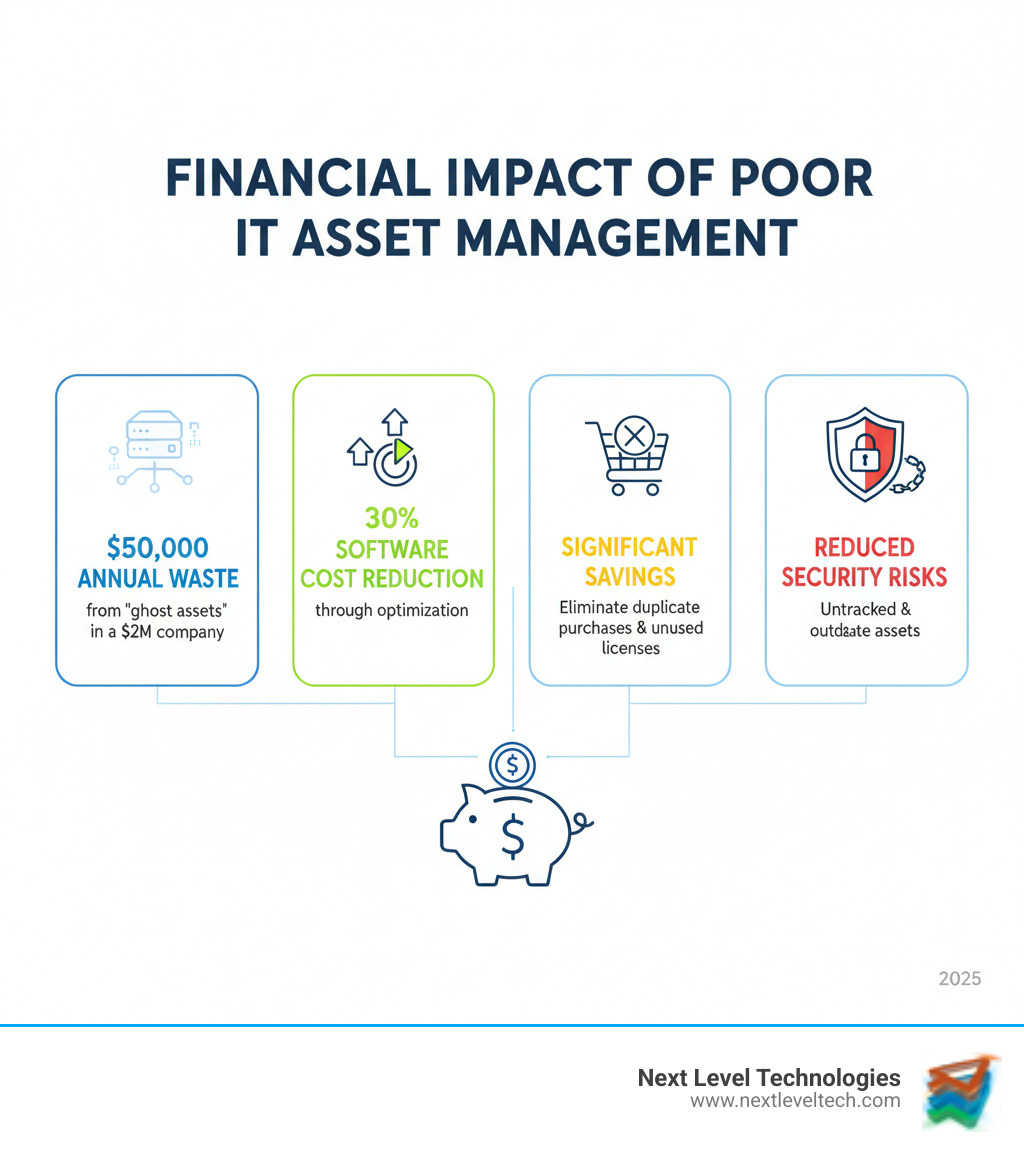
IT Asset Management (ITAM) is the business practice of knowing what technology your company owns, where it is, who uses it, and its lifecycle. It merges financial, risk, and operational management into a cohesive strategy, enabling smarter purchasing, proactive security, and easier compliance. When you have a clear picture of your IT landscape, you can make smarter decisions and spot vulnerabilities before they become problems.
We've worked with countless businesses in Columbus, Ohio and Charleston, WV who thought they had their IT assets under control—until they realized their blind spots were costly and dangerous. A solid ITAM strategy isn't optional anymore; it's essential. For a deeper look at how local businesses benefit, see our article on the importance of IT asset management in Columbus, Ohio.
An it asset management application is the software that makes ITAM possible. It replaces outdated spreadsheets by automatically finding and tracking everything in your tech ecosystem, creating a centralized database—your single source of truth—so everyone works from the same accurate information.
IT assets include everything from physical hardware to digital licenses:
A good it asset management application pulls all these pieces together, giving you comprehensive visibility across your entire technological ecosystem.
Ignoring ITAM is expensive and dangerous. Our team's extensive cybersecurity training has shown us the cost of doing nothing far outweighs the investment in a proper solution.
Gartner research shows organizations can cut software costs by 30 percent through license optimization. Meanwhile, a $2 million company can waste $50,000 annually on "ghost assets"—equipment that exists on paper but is physically lost.
Our technical experience in Columbus and Charleston confirms that untracked assets and obsolete software are prime targets for cybercriminals. This includes shadow IT—unapproved apps and services that create security gaps and redundant spending.
For regulated industries, an it asset management application is essential for regulatory compliance, providing audit trails to avoid hefty fines. Finally, manual tracking drains IT productivity, preventing your team from focusing on strategic projects and making data-driven decisions. The cost of inaction is real, measurable, and avoidable.
Every IT asset, from a laptop to a software license, has a lifecycle. Lifecycle management tracks this journey from acquisition to retirement, which is critical for calculating the total cost of ownership (TCO) and maximizing value. Most businesses we meet in Columbus, Ohio and Charleston, WV only manage pieces of this lifecycle, leading to waste and security risks. An it asset management application provides the visibility to manage the entire journey. You can find more info about the IT asset life cycle on our blog.

Every IT asset moves through a predictable journey. Managing each stage properly makes all the difference.
Here's where things get messy for most businesses. The lifecycle sounds straightforward, but in practice, it's full of pitfalls.
Spreadsheet limitations and manual errors are the primary points of failure. Spreadsheets are never up-to-date, leading to data integrity issues and "ghost assets" that cost you money. We've walked into countless businesses in Columbus, Ohio and Charleston, WV where the asset spreadsheet is a known source of errors.
This creates a lack of visibility, making informed decisions impossible. When different departments engage in decentralized purchasing (shadow IT), you get redundant tools and missed volume discounts.
Most importantly, security risks from obsolete assets create gaping holes in your defenses. As NIST guidance on ITAM for cybersecurity states, you can't protect what you don't know is on your network. Our cybersecurity training consistently shows that untracked, outdated assets are a common entry point for breaches.
An it asset management application automates tracking, centralizes data, and provides the real-time visibility to overcome these challenges, turning IT into a strategic advantage.
Choosing an it asset management application can be overwhelming. For businesses in Columbus, Ohio and Charleston, WV, the right choice depends on your needs and budget. Our team at Next Level Technologies, with its extensive technical experience, helps clients find solutions that deliver value today and scale for tomorrow. Certain core features separate the best ITAM applications from the rest. For more insights, explore our article on More info about enterprise IT asset management.
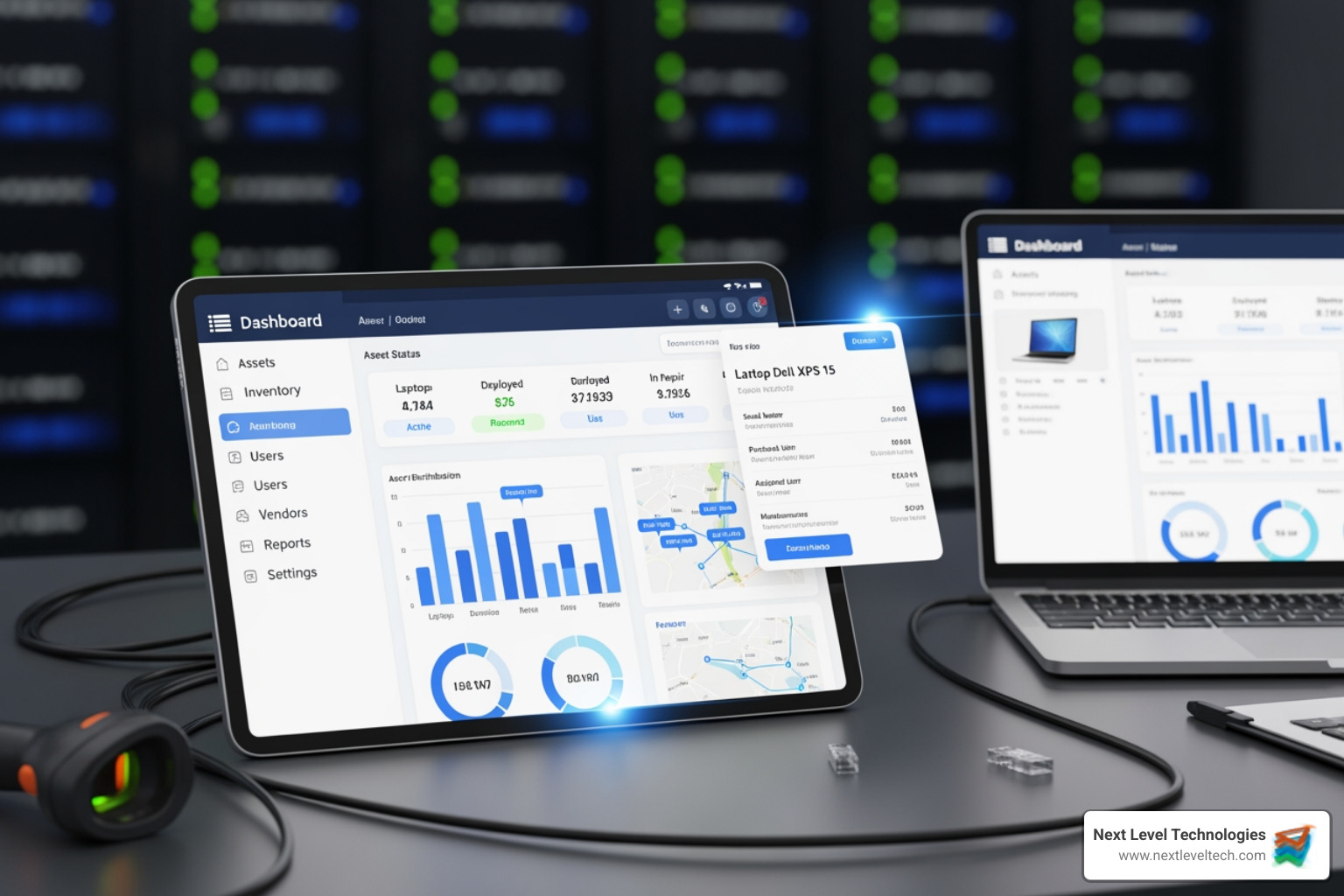
Everything starts with knowing what you have. Without accurate asset findy and inventory, you're flying blind.
This is where an it asset management application pays for itself. Key features include:
Beyond counting assets and tracking dollars, the right ITAM application improves your security posture.
Implementing an it asset management application is a journey, not a single event. It requires planning and stakeholder buy-in. We've helped many businesses in Columbus, Ohio and Charleston, WV succeed by using a phased approach. Start with quick wins—like finding all software licenses—to build momentum and show immediate value. This is a continuous improvement process. For a broader understanding, dig into More info about IT asset management.

Start by assessing your biggest pain points and defining clear goals (e.g., "reduce software costs by 20%"). Consider scalability to ensure the solution grows with you, and prioritize ease of use—a complex tool nobody uses is worthless. Strong integration capabilities are also critical to avoid data silos. Finally, evaluate the vendor's support and community.
Our technical team's extensive experience has taught us to ask key questions before choosing:
Cloud-hosted it asset management applications (SaaS) are popular for good reason. They offer significant advantages:
Integrating your it asset management application with IT Service Management (ITSM) practices open ups its true power. Your ITAM system should feed real-time data into your Configuration Management Database (CMDB), creating a complete map of your IT environment.
This integration transforms key processes:
This integration, which our technically experienced staff in Columbus, Ohio and Charleston, WV helps clients achieve, breaks down silos and boosts efficiency.
We talk with businesses in Columbus, Ohio and Charleston, WV every day, and certain questions about it asset management applications come up again and again. Let's tackle the big ones.
Implementation time varies. A small business might be running in weeks, while a large enterprise could take months. We recommend a phased rollout, starting with basics like automated findy and inventory. This delivers quick wins and proves value early. The initial setup of findy tools is much faster than old manual methods, with most businesses seeing results within the first month.
Yes, and this is a core strength. A modern it asset management application creates a unified inventory of your entire tech ecosystem, including:
This brings everything into one place, eliminating conflicting spreadsheets.
Our team's extensive cybersecurity training highlights a simple truth: you can't protect what you don't know you have. An it asset management application is a critical security tool that:
ITAM maps your attack surface so you can proactively identify and address risks before they turn into costly security breaches.
The spreadsheet jungle is no place for a modern business. Today's complex IT environments in Columbus, Ohio and Charleston, WV demand more than manual tracking. An it asset management application is a necessity for operational efficiency, cost savings, and a robust cybersecurity posture.
These applications transform chaos into control by automating asset findy, centralizing your inventory, and providing real-time insights. This frees your IT team to focus on strategic initiatives, whether it's optimizing software licenses to cut costs by up to 30%, eliminating "ghost assets," or strengthening cyber defenses.
At Next Level Technologies, our team's extensive technical experience and cybersecurity training have helped businesses steer these complexities for over fifteen years. We don't just help you implement the right it asset management application; we ensure it integrates seamlessly into your IT ecosystem, providing the expert support you need.
Unmanaged IT assets create risk and waste money. With the right ITAM solution and an experienced partner, you can gain the control and clarity your business deserves.
Ready to take control of your IT environment? Take control of your IT with our managed services and support. Let's turn your IT into a competitive advantage.
Compare the best healthcare learning management platforms for providers with Next Level Technologies, serving Columbus, Ohio and Charleston, WV.
September 19, 2026
Compare cloud backup services with this guide to backup cloud database service architecture, security, and disaster recovery.
September 12, 2026
